Does Airplane Mode Save Battery? Debunking the Myth
Introduction:
In this digital era, ensuring your smartphone’s battery lasts throughout the day has become a prime concern for many users. One common tip shared widely across forums and tech blogs is to switch your mobile device to airplane mode to save battery. But how effective is this realmente? Does airplane mode save battery or is it just a tech myth? Let’s dive deep into the functionality of this feature and analyze how it impacts your device’s battery life.
Understanding Airplane Mode:
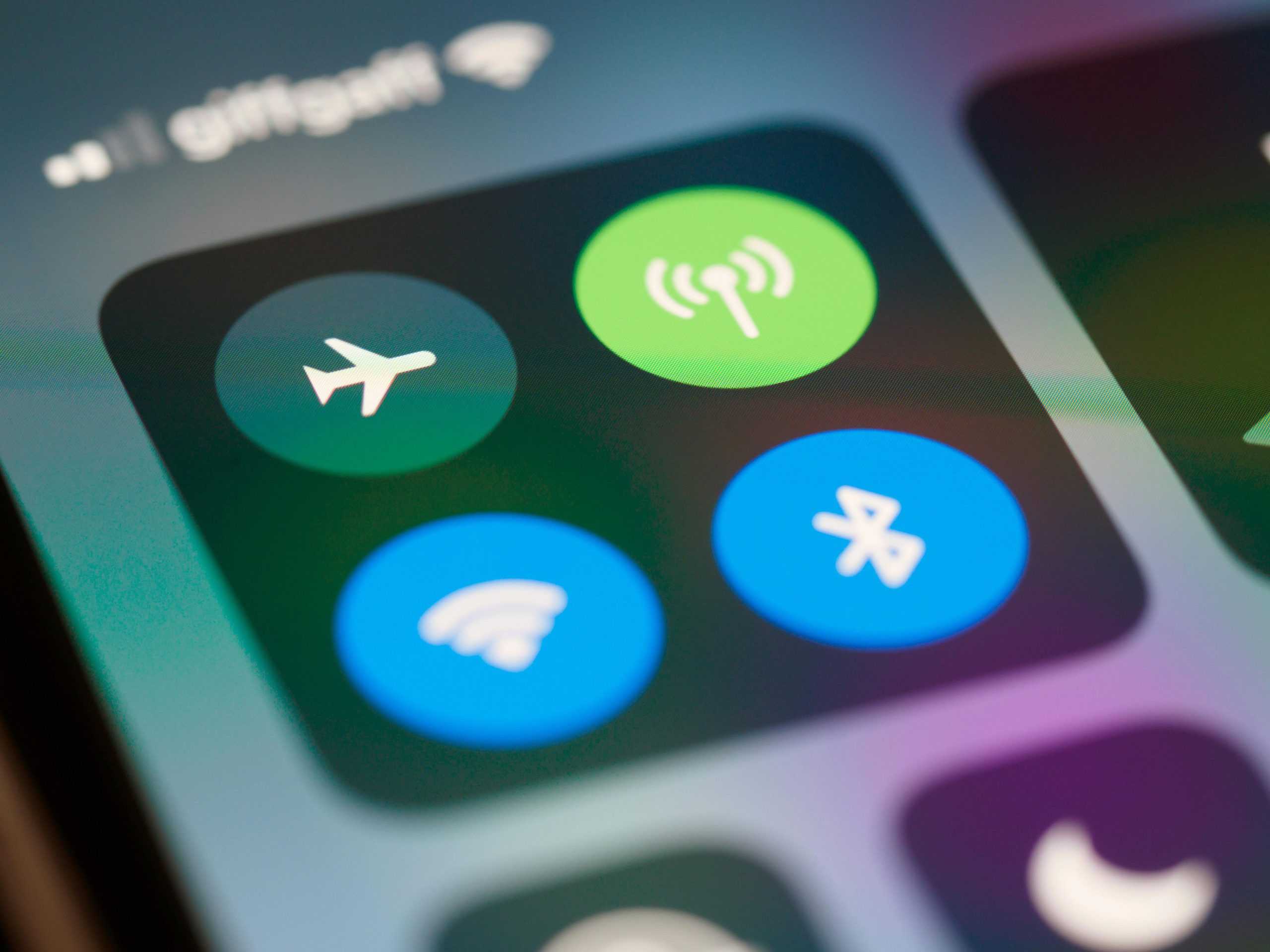
Before debunking the myth, it’s crucial to understand what airplane mode really does. Airplane mode, also known as flight mode, is a setting available on nearly all smartphones, tablets, and even some laptops. Once activated, it suspends radio-frequency signal transmission by the device, thereby disabling Bluetooth, GPS, phone calls, and WiFi. However, you can reactivate Bluetooth and WiFi independently while keeping your device in airplane mode.
Does Airplane Mode Save Battery? Debunking the Myth:
Turning on airplane mode does indeed help save battery power, but the extent of its effectiveness varies depending on your regular usage patterns and device settings. Here’s how:
- Reduced Signal Searching:
When your phone constantly searches for a cellular network, especially in areas with poor reception, it significantly drains the battery. This phenomenon is known as a “search loop.” By activating airplane mode, the device stops searching for these signals, which in turn helps in conserving battery life. - No Incoming Calls or Messages:
Calls and messages, whether you answer them or not, consume battery because your device maintains a continuous communication with the cell tower. Airplane mode eliminates this consumption by disconnecting from the cellular network. - App Background Data:
Many apps run in the background and sync data regularly if connected to a network. By switching to airplane mode, these apps won’t sync or update, thereby saving battery life. - Effect on WiFi and Bluetooth:
If you activate WiFi or Bluetooth while in airplane mode, the battery saving benefits are reduced. These functionalities still consume power, albeit generally less than that used by cellular signals.
FAQs:
- Q: How much battery life can I save by using airplane mode?
A: The amount of battery saved varies by device and usage. If you’re typically in an area with poor reception, the savings can be substantial. Otherwise, the effect might be less dramatic but still noticeable over extended periods without charging. - Q: Does airplane mode extend battery lifespan?
A: Indirectly, yes. Battery lifespan is influenced by the number of charge cycles. By reducing battery drain and extending the time between charges, airplane mode can help in reducing the total number of full charge cycles over the life of the battery. - Q: Should I leave my phone on airplane mode all the time to save battery?
A: While keeping your device on airplane mode can conserve battery, it also disconnects you from potential important communications like calls or emergency messages. It’s best used during specific situations like traveling in poor signal areas, charging the phone faster, or when wanting to minimize distractions. - Q: Can I receive calls or messages in airplane mode?
A: No, traditional calls and SMS messages require a cellular network connection. However, you can use WiFi to receive messages or calls through various apps like WhatsApp, Telegram, or Skype.
Conclusion:
So, does airplane mode save battery? Absolutely, the myth has a basis in reality. Activating airplane mode can indeed help save battery life by eliminating the power used to maintain cellular connections, search for signals, and prevent unnecessary app updates. However, the overall effectiveness depends on individual usage patterns and settings. While it’s a handy trick to squeeze out extra juice from your battery during critical times, it shouldn’t be relied upon as the sole method for managing battery life on your mobile device. Try to balance its usage while staying connected when necessary. Always remember to adjust your settings according to your current needs and environment to optimize battery usage efficiently.